
Learn ›
Getting started
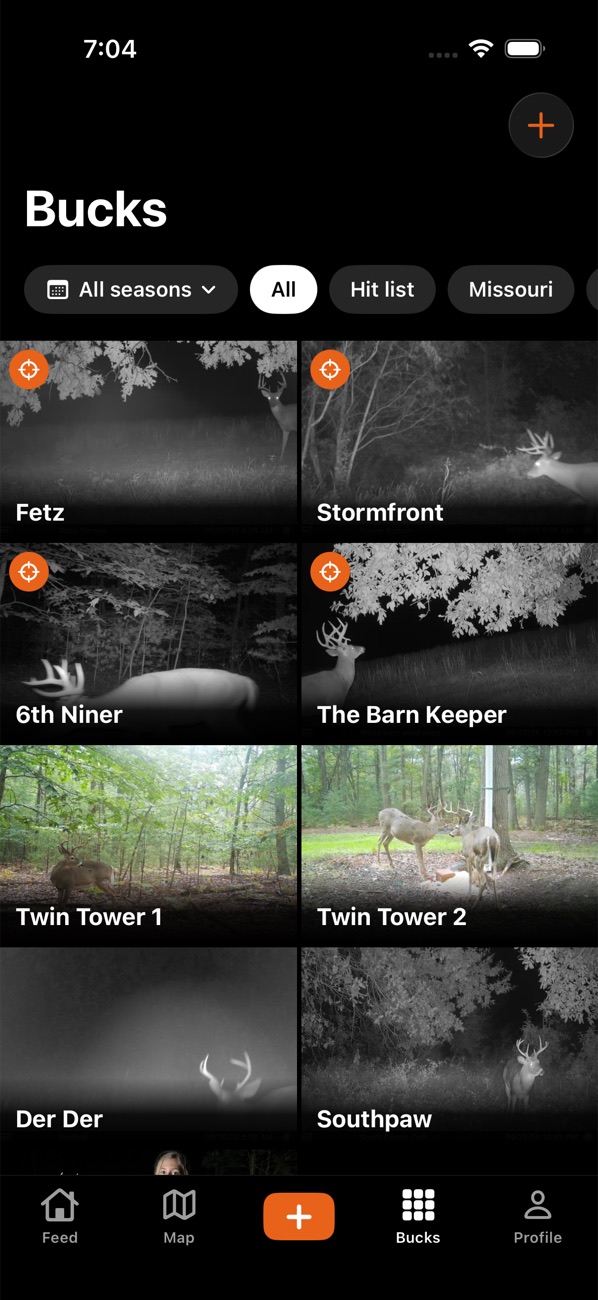
The app opens on the Feed. Along the bottom: Feed, Map, + (the center button), Bucks and Profile.
- Download Borrowed Tine from the App Store (iPhone) or Google Play (Android).
- Open it and tap Create account. Pick a username, add your email and a password, and agree to the Borrowed Tine Code and the privacy promise. (Or tap Look around first to try it without an account.)
- Add your property: on iPhone, Profile, tap ☰, then Add property (on the map you can also make one). Give it a name and state.
- Pin your cameras and stands on the Map: tap the +, line up the crosshair, and choose what's there.
- Bring in trail cam photos: tap +, then Log trail cam photos (see "Add trail cam photos").
- Invite your hunting partners into a crew (see "Crews, invites and shared maps").
The first 250 accounts get Pro free for life; the welcome screen shows how many spots are left.
Something not working? Ask the help chat (bottom right), or email support@borrowedtine.com.