
Learn ›
Terrain, LiDAR and public land
Free U.S. Geological Survey maps for every state, on Pro and up.
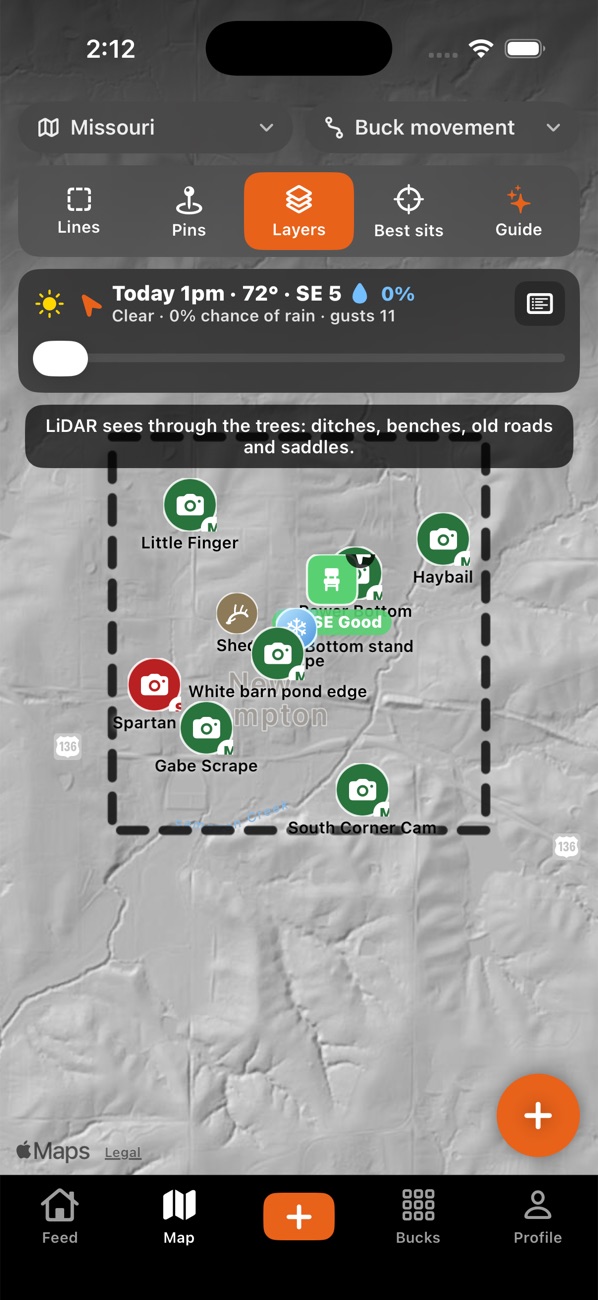
- On the Map, tap Layers.
- Under Terrain, pick LiDAR bare ground, Steepness, Which way slopes face, USGS topo map or Infrared: timber and crops.
- Switch on Terrain over the satellite photo to blend it with the photo.
- Elevation lines draws 10-foot contours (zoom in). Public land outlines public ground.
Tips:
- The first look at new ground can take a few seconds to load on weak signal; after that it's kept on your phone.
- These layers show where the USGS has data. A blank square usually just needs a moment, or a zoom out.
Something not working? Ask the help chat (bottom right), or email support@borrowedtine.com.